You've felt it before. You press the button, nothing happens — and then, a split second too late, your character finally moves. By then, you're already dead. That frustrating delay has a name: lag. But "lag" is actually an umbrella term that covers several very different problems, and understanding what's actually going wrong is the first step to fixing it.
Let's break it down.
The most talked-about type is network latency, often measured as ping. When you play an online game, your device is constantly sending information to a remote server and waiting for a response. Ping measures how long that round trip takes, in milliseconds (ms). A ping below 30ms is generally considered excellent. Above 100ms, most players will start to notice. Above 150ms, competitive play becomes genuinely difficult. Your ping is influenced by your physical distance from the game server, the quality of your internet connection, and how congested your network is at any given moment.
But network latency isn't the only culprit. Input lag is a separate issue entirely — it's the delay between you pressing a button and your device registering that action. This can come from your controller, your keyboard, your mouse, or even the USB polling rate of the device itself. High-refresh-rate monitors and wired peripherals exist largely to fight input lag at the hardware level.
Then there's display latency. Your monitor or TV takes a small amount of time to process and render each frame before showing it to you. Gaming monitors are engineered to minimize this. Many modern TVs include a dedicated "Game Mode" that strips out picture-processing effects specifically to reduce display latency — worth enabling if you game on a big screen.
Finally, frame rate and latency are deeply connected. If your system is struggling to render frames quickly, you'll experience a kind of performance lag even in offline games. More frames per second means the game is feeding you fresher, more up-to-date information about the game world — which is why frame rate matters even beyond just visual smoothness.
So when someone says their game "feels laggy," it could mean any combination of these things. A wired ethernet connection tackles network latency. A high-refresh monitor and quality peripherals — the kind ShazGear focuses on for competitive players — address input and display lag. And a well-optimised PC or console handles frame-rate lag.
Understanding which type of lag you're dealing with is half the battle. Once you know the enemy, you can actually fight it.
Gaming Insights
What Is Lag, Really? A Beginner's Guide to Latency in Gaming
September 29, 2026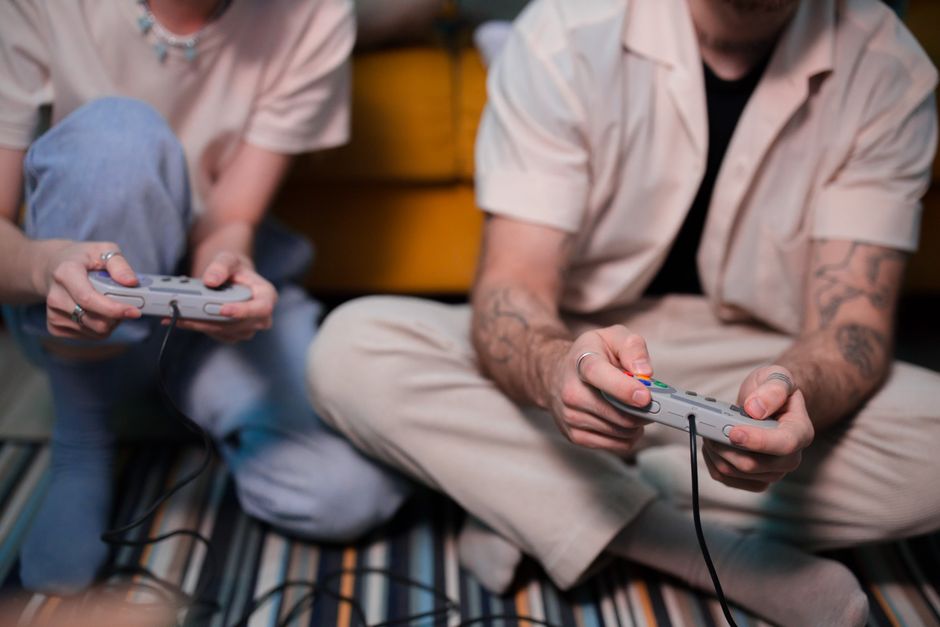
Related in Gaming Insights
Oct 15, 2026
How Shader Compilation Actually Works — And Why It Causes Those Stutters in New Games
If you have ever launched a brand-new game, cranked up the settings, and been met with jarring half-…
Read More →
Oct 13, 2026
How to Set Up Your Gaming Space for Long Sessions: A Practical Checklist
Most gaming upgrades happen on the screen or inside the case. The chair, the lighting, the desk layo…
Read More →
Oct 10, 2026
5 Myths About Game Difficulty Settings That Most Players Still Believe
Difficulty settings are one of the oldest features in gaming, yet they remain one of the most misund…
Read More →